
Is bet365 not working in Slovakia? If bet365.com won’t load, it’s not a technical error — access is blocked by Slovak ISPs based on the URHH list of prohibited offerings. Here are three proven methods to access bet365, with step-by-step guides and troubleshooting.
Why bet365 is blocked in Slovakia
bet365 doesn’t hold a license from the Slovak Ministry of Finance. Its domains are on the list of prohibited offerings maintained by URHH. Slovak ISPs (UPC/Vodafone, O2, Telekom, Orange) are legally required to block access. The list is updated every first business day of the week.
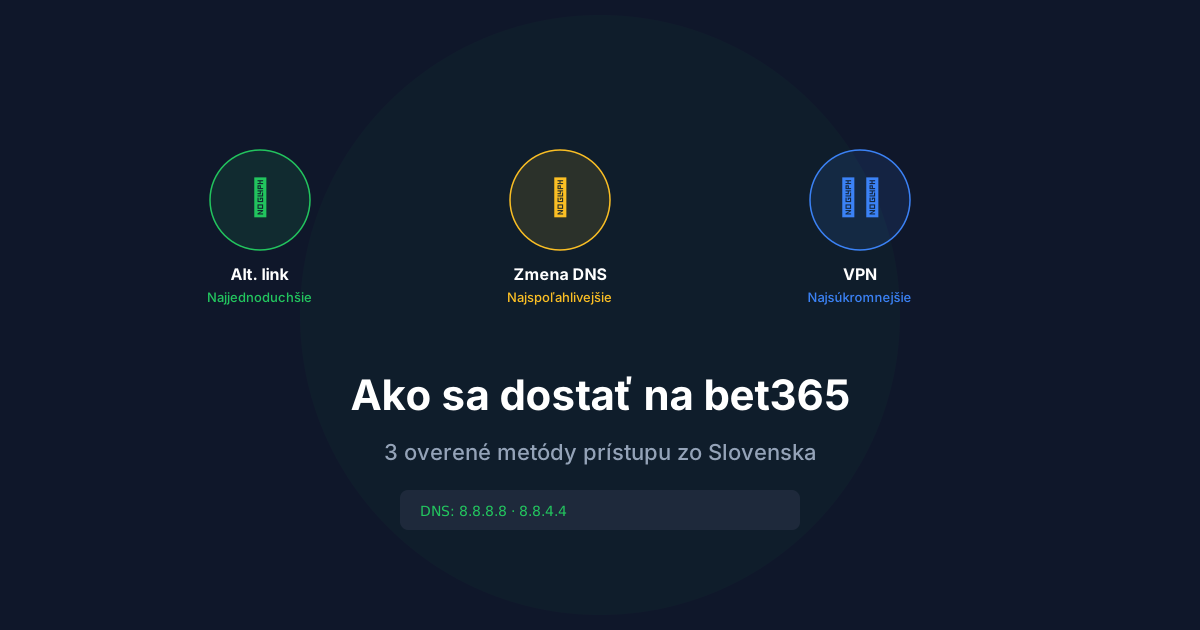
3 proven methods to access bet365

Method 1: Alternative link (mirror site) — easiest
The quickest way. Click a verified bet365 alternative link and you’re on the site instantly. No settings or software needed. Mirror URLs change occasionally when new domains get blocked.
→ Current bet365 alternative link for Slovakia
Method 2: DNS change — most reliable

The most popular long-term method. Changing DNS servers on your device bypasses DNS-based blocking. Works for all blocked sites at once and you only set it up once.
DNS change on Windows
- Control Panel → Network and Sharing Center → Change adapter settings
- Right-click active connection → Properties
- Select „Internet Protocol Version 4 (TCP/IPv4)“ → Properties
- Choose „Use the following DNS server addresses“
- Enter: Preferred:
8.8.8.8/ Alternate:8.8.4.4 - Click OK, restart your browser
DNS change on macOS
- System Settings → Network → select active connection → Details → DNS
- Click „+“ and add
8.8.8.8and8.8.4.4 - Click OK and Apply
DNS change on Android
- Settings → Network & internet → Private DNS
- Select „Private DNS provider hostname“
- Enter:
dns.google
DNS change on iPhone/iOS
- Settings → Wi-Fi → tap „i“ next to your network
- Scroll to DNS → Configure DNS → Manual
- Delete existing and add
8.8.8.8and8.8.4.4
Alternative DNS: Google (8.8.8.8), Cloudflare (1.1.1.1), OpenDNS (208.67.222.222).
Method 3: VPN — most private
A VPN routes your connection through a server in another country where bet365 isn’t blocked.
Important: bet365 states it doesn’t support VPN usage and needs to verify your actual location for licensing reasons. Suspicious VPN activity may lead to account restrictions. Use at your own risk.
Troubleshooting: bet365 not working
bet365.com shows white page or times out
ISP is blocking the domain. Change DNS to 8.8.8.8 or use the alternative link.
Site loads but I can’t log in
Verify you’re on an official mirror (not phishing). Check credentials. Use password reset if needed — works on mirrors too.
bet365 works on Wi-Fi but not mobile data (or vice versa)
Each provider blocks independently. Change DNS separately for each connection.
bet365 says „Authorised Location“
This is bet365’s geo-restriction, not ISP blocking. Try clearing app cache, reinstalling, or contacting bet365 support.
Foreigners in Slovakia — why bet365 doesn’t work
If you’re visiting Slovakia or working here with a bet365 account from another country, you may face two issues:
- ISP blocking — Slovak ISPs block bet365 domains regardless of your account country. Solution: DNS change or alternative link.
- Authorised Location — bet365 checks your physical location. Even with a UK account, some features may not work in Slovakia. bet365 recommends contacting support for temporary relocations.
For payment methods and their availability by account country, see Deposits & Withdrawals.